Mastering Meta Descriptions: Boost SEO, CTR & User Engagement
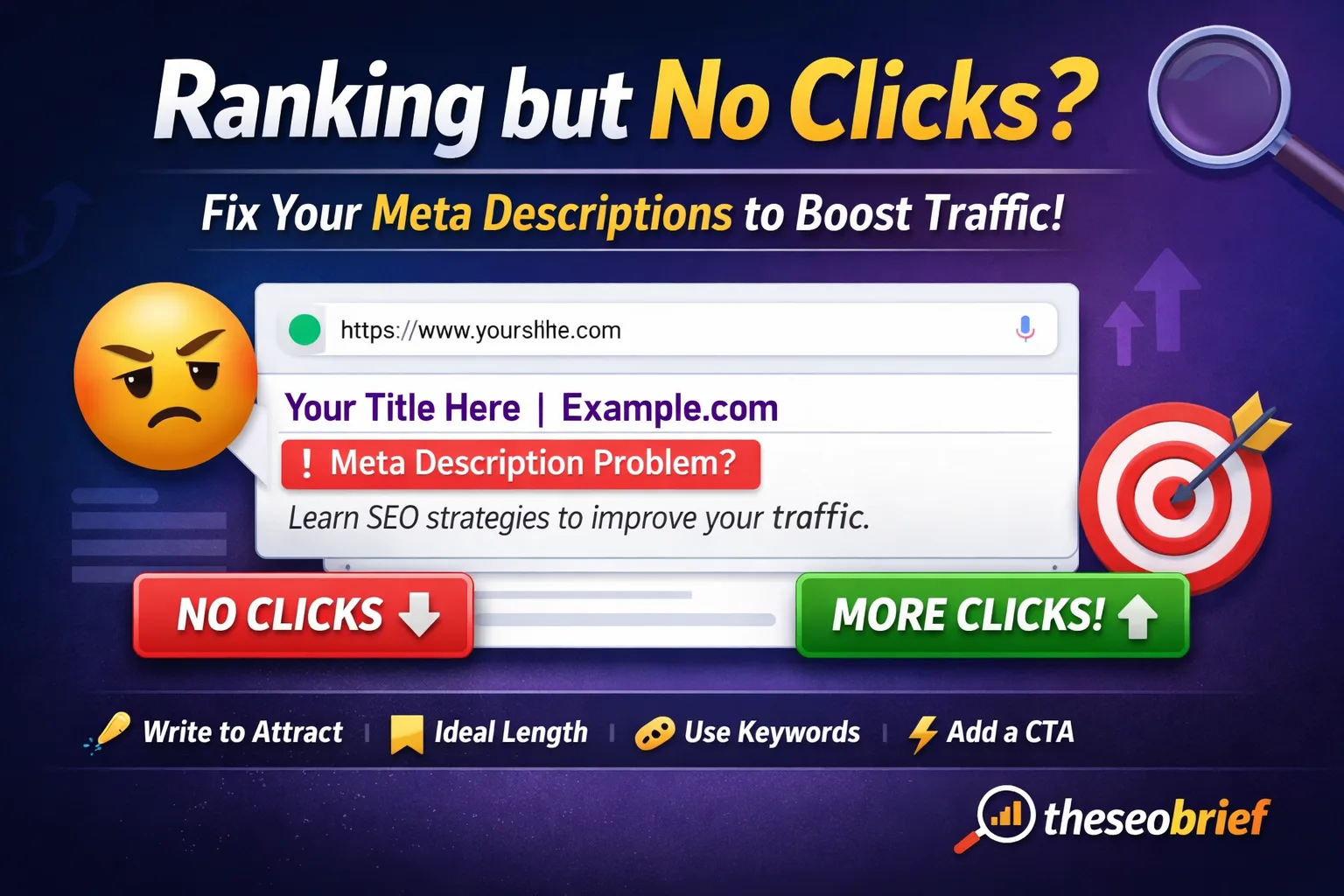
Meta descriptions might be a small element of SEO, but they have a powerful impact on clicks, website traffic, and user engagement. A well-crafted meta description can persuade users to choose your page over competitors in search results.
In this comprehensive guide, you’ll discover what meta descriptions are, why they are important for SEO, how to write high-converting descriptions, common mistakes to avoid, and practical examples you can apply immediately.

What Is a Meta Description?
A meta description is a short summary of a webpage’s content that appears below the page title in search engine results (SERPs).
📌 Example:
Learn how to write powerful meta descriptions that improve SEO, boost CTR, and increase user engagement.
Although meta descriptions do not directly affect rankings, they strongly influence click-through rate (CTR), which indirectly supports SEO success.
Why Descriptions Are Important for SEO
Many beginners ignore meta descriptions, but smart SEO professionals treat them as mini ads for their webpages.
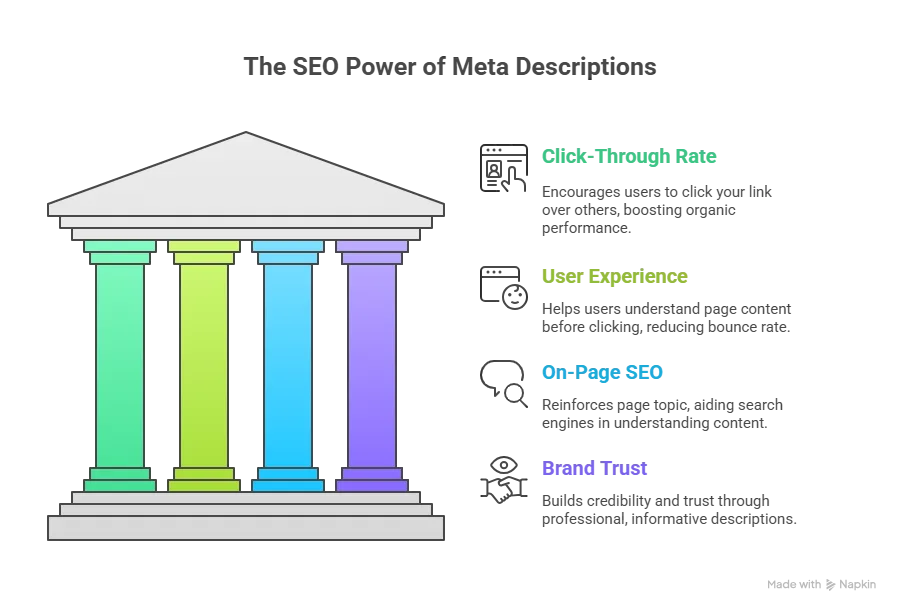
1. Improves Click-Through Rate (CTR)
A compelling meta description encourages users to click your link instead of others. Higher CTR often leads to better organic performance.
2. Enhances User Experience
Clear and relevant descriptions help users understand what your page offers before clicking, reducing bounce rate.
3. Supports On-Page SEO
Meta descriptions reinforce your page topic and help search engines better understand your content.
4. Boosts Brand Trust
Professional, informative descriptions build trust and credibility in SERPs.
Ideal Length of a Meta Description
There is no fixed character limit set by Google. Meta descriptions are displayed based on pixel width, not characters. However, these are the current SEO best-practice ranges used by professionals:
✅ Meta Description Length (Updated & Practical)
Desktop: ~155–160 characters
(≈ 920 pixels)Mobile: ~120–130 characters
(≈ 680 pixels)
🔍 Important Clarification
Google may shorten or rewrite meta descriptions depending on:
Search query
Device
Page content relevance
Even within the limits, descriptions can still be truncated if they exceed pixel width.
💡 SEO Pro Tip
👉 Place your primary keyword and key message within the first 120 characters to ensure visibility on both desktop and mobile.
✅ Best Practice Summary
Aim for 140–155 characters for universal safety
Write for users first, not just length
Match description closely with page content
If you want, I can update this section inside your blog with this corrected version or optimize it further for featured snippets & CTR.
How to Write Powerful Descriptions (Step-by-Step)
Step 1: Understand Search Intent
Before writing a meta description, ask:
Is the user looking for information?
Do they want a guide, solution, or comparison?
Your description should match the intent exactly.
Step 2: Use the Primary Keyword Naturally
Include your main keyword (like meta descriptions, meta description SEO) naturally without stuffing.
❌ Wrong: Meta descriptions meta descriptions SEO best meta descriptions
✅ Right: Learn how to write SEO-friendly meta descriptions that increase clicks and engagement.
Step 3: Focus on Benefits, Not Features
Users don’t care what a meta description is — they care what they gain.
Instead of:
This article explains meta descriptions
Write:
Learn how to write meta descriptions that boost SEO and increase click-through rates.
Step 4: Use Power Words to Increase CTR
Power words trigger curiosity and action.
Examples:
Ultimate
Proven
Simple
Step-by-step
Actionable
Complete
📌 Example:
A complete, step-by-step guide to writing meta descriptions that drive more traffic.
Step 5: Add a Clear Call-to-Action (CTA)
CTAs guide users on what to do next.
Examples:
Learn more
Discover now
Read the guide
Get started
📌 Example:
Discover proven meta description strategies to improve SEO and CTR.
Meta Description Best Practices (SEO Checklist)
✅ Keep each meta description unique
✅ Match page content accurately
✅ Avoid keyword stuffing
✅ Write for humans first, search engines second
✅ Include numbers when possible
✅ Use active voice
Common Meta Description Mistakes to Avoid
1. Leaving Descriptions Blank
If you don’t write one, Google may auto-generate it — often poorly.
2. Duplicate Descriptions
Using the same description across multiple pages confuses search engines.
3. Misleading Content
Don’t promise what your page doesn’t deliver — this increases bounce rate.
4. Over-Optimization
Too many keywords make descriptions look spammy and reduce trust.
Examples of High-Converting Meta Descriptions
Blog Post Example
Learn how to write powerful descriptions that boost SEO, improve CTR, and increase user engagement.
Service Page Example
Professional SEO services to improve rankings, traffic, and online visibility. Get started today.
Product Page Example
Buy premium SEO tools to optimize descriptions, keywords, and content performance.
Do Meta Descriptions Affect Google Rankings?
Directly? No.
Indirectly? Yes.
Higher CTR, better engagement, and lower bounce rates signal quality to search engines, which supports long-term SEO performance.
How Google Uses Descriptions
Google may:
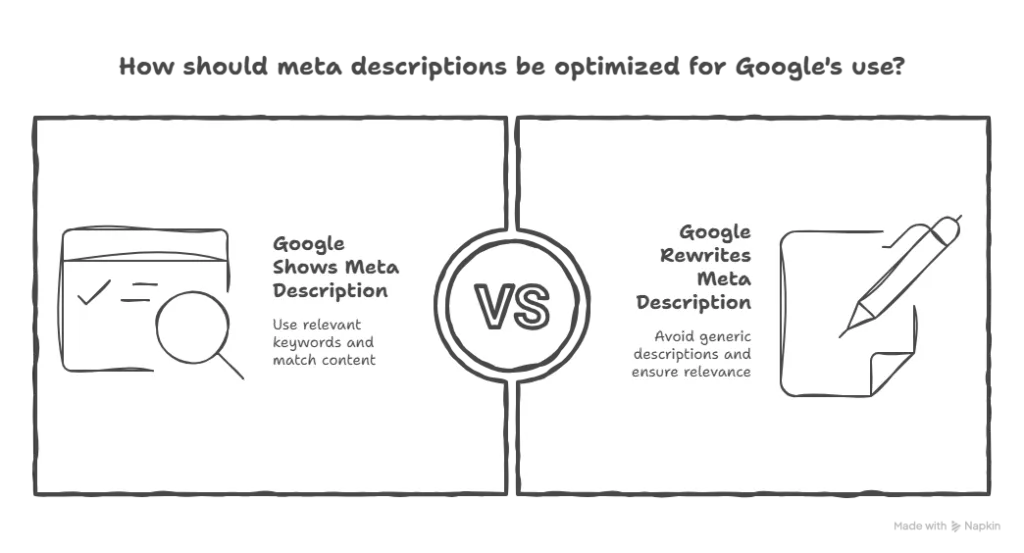
Show your written meta description
Rewrite it based on search query
Pull content from the page
📌 To reduce rewriting:
Match content with description
Use relevant keywords
Avoid generic descriptions
Tools to Optimize Meta Descriptions
Yoast SEO / Rank Math
SEMrush
Ahrefs
Screaming Frog
Descriptions for Different Content Types
Blogs
Focus on education, benefits, and curiosity.
Landing Pages
Highlight solutions, offers, and CTAs.
E-commerce Pages
Mention price, features, offers, and trust signals.
FAQs About Meta Descriptions
1. What happens if I don’t write a meta description?
2. Can I use emojis in meta descriptions?
3. Should every page have a meta description?
Final Thoughts: Why Descriptions Matter More Than You Think
Descriptions may not directly rank your website, but they decide whether users click your link or ignore it. When written correctly, they:
Increase click-through rate
Improve user engagement
Support long-term SEO growth
If you want better traffic without changing rankings, start optimizing your meta descriptions today.
🔑 Key Takeaway
Write descriptions like ad copy — clear, benefit-driven, and user-focused.
Published by The SEO Brief – Simplifying SEO for Everyone
💡 Bonus for Readers:
Click here “50POWER” to receive a free, ready-to-use power words list to create compelling meta titles that drive more clicks.